- UX & UI Design
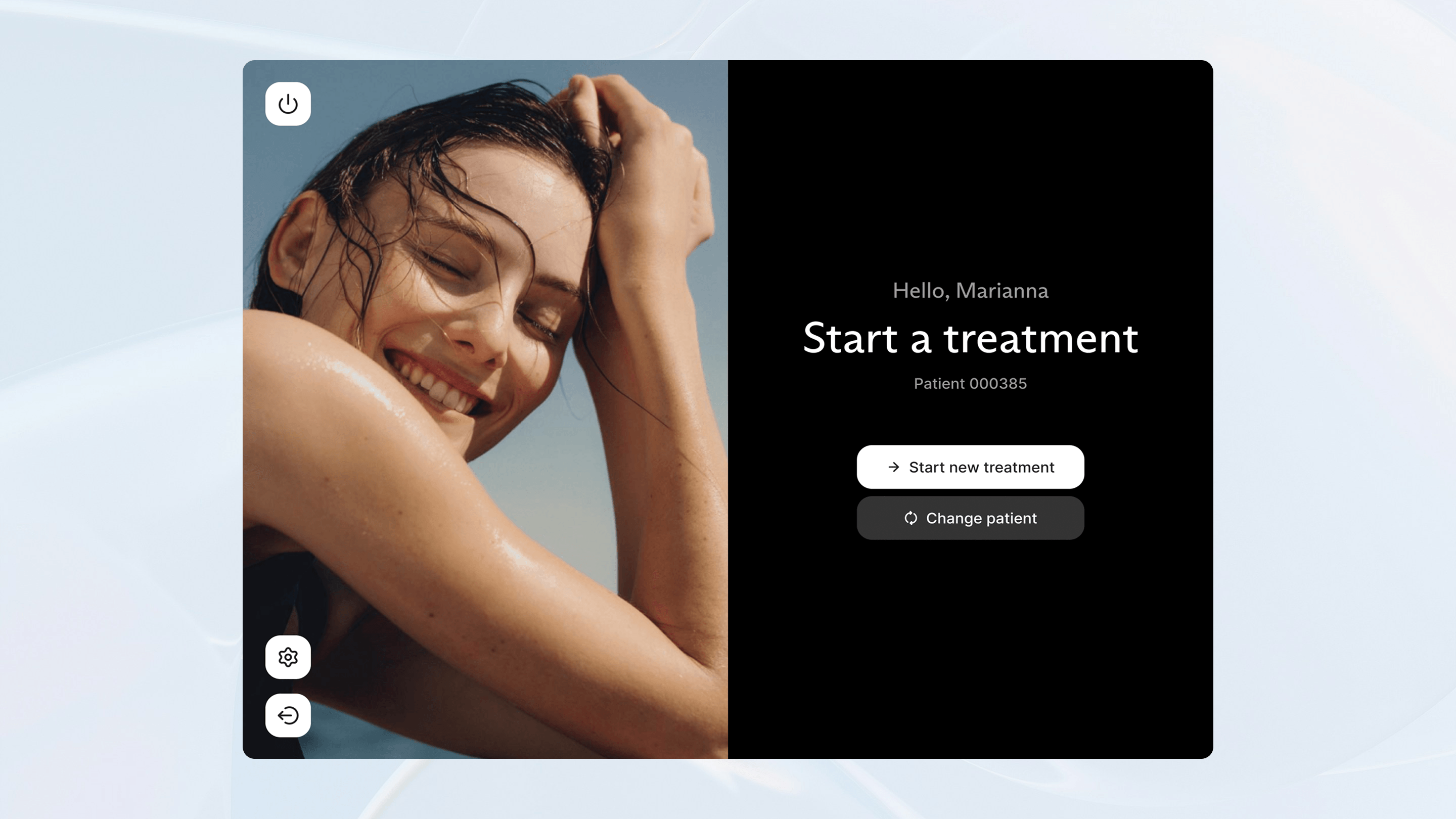
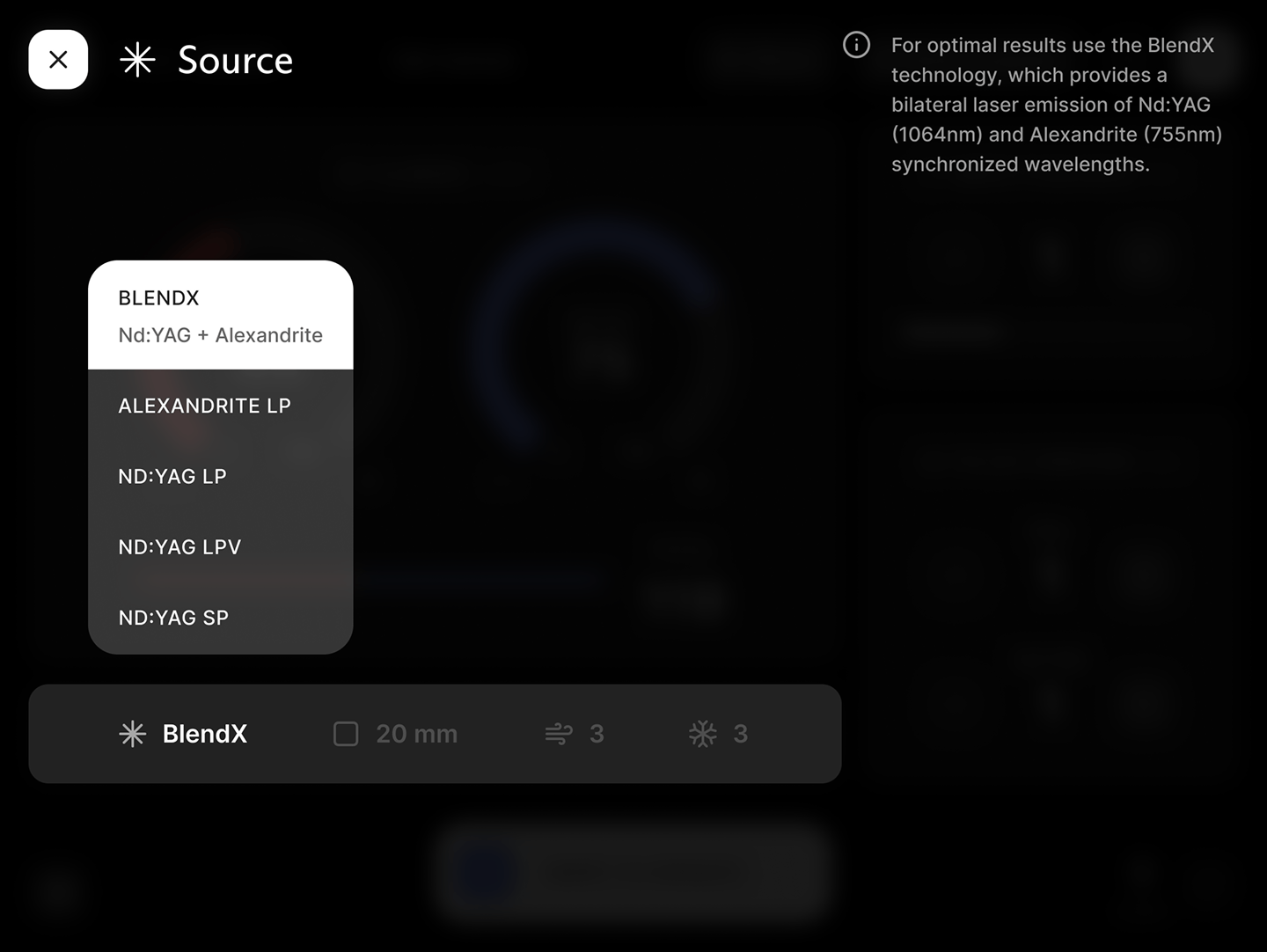
L’obiettivo era ripensare non solo il feel dell’interfaccia per rispecchiare il nuovo rebranding dell’azienda, ma semplificare in modo profondo l’interazione, così da rendere l’uso più rapido e sicuro senza perdere il controllo richiesto nel contesto clinico.

Ripensare la UX
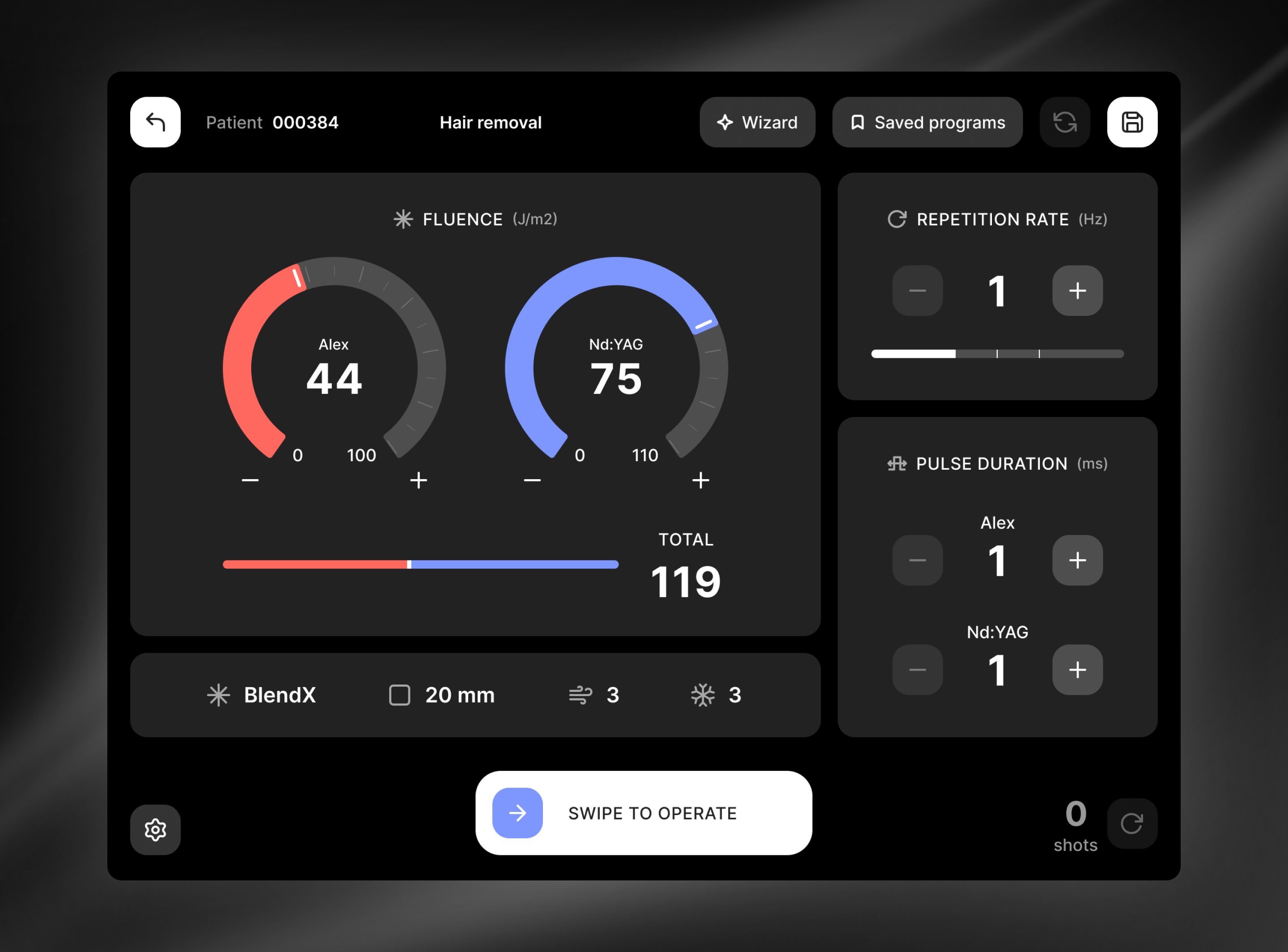
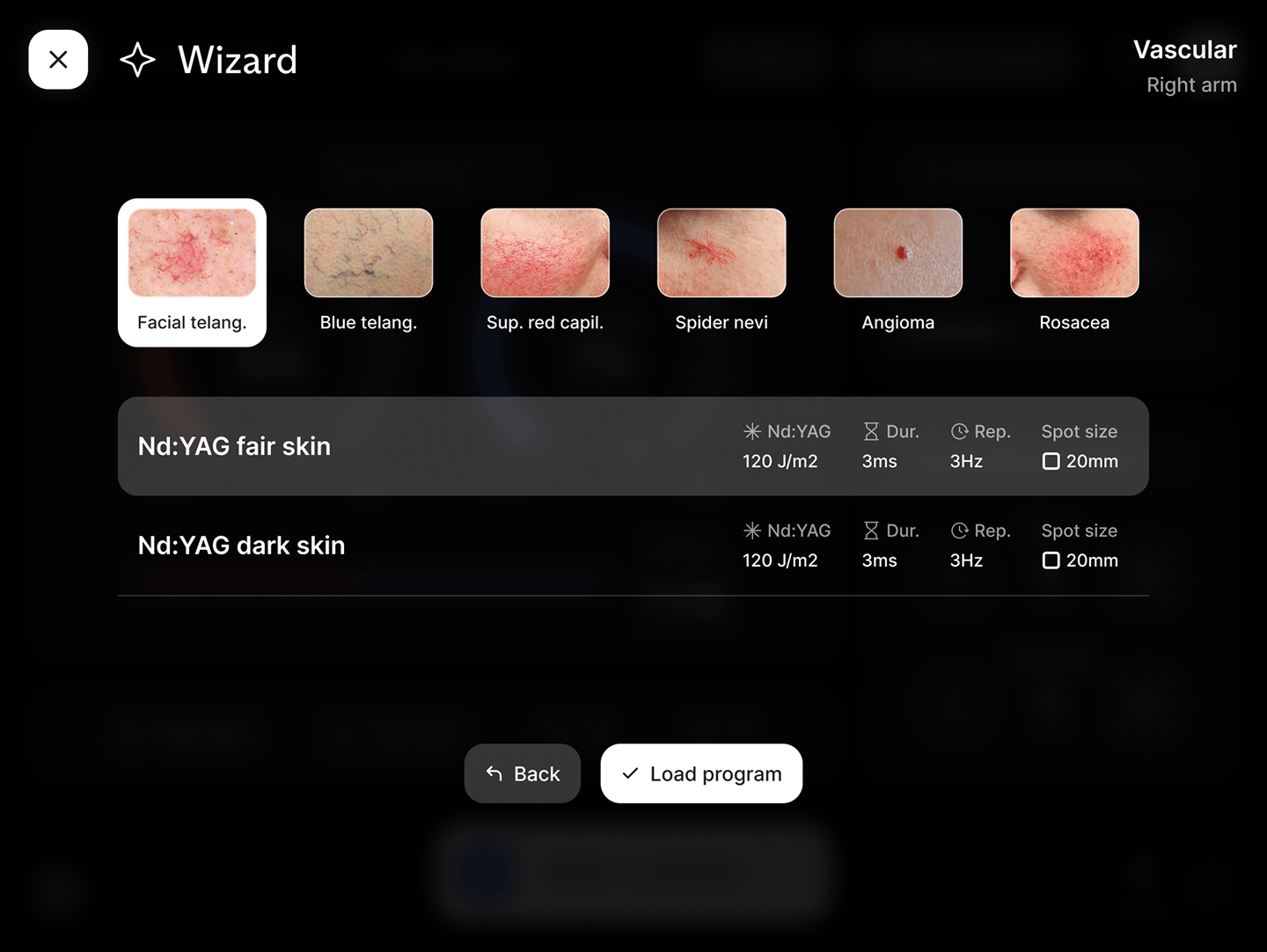
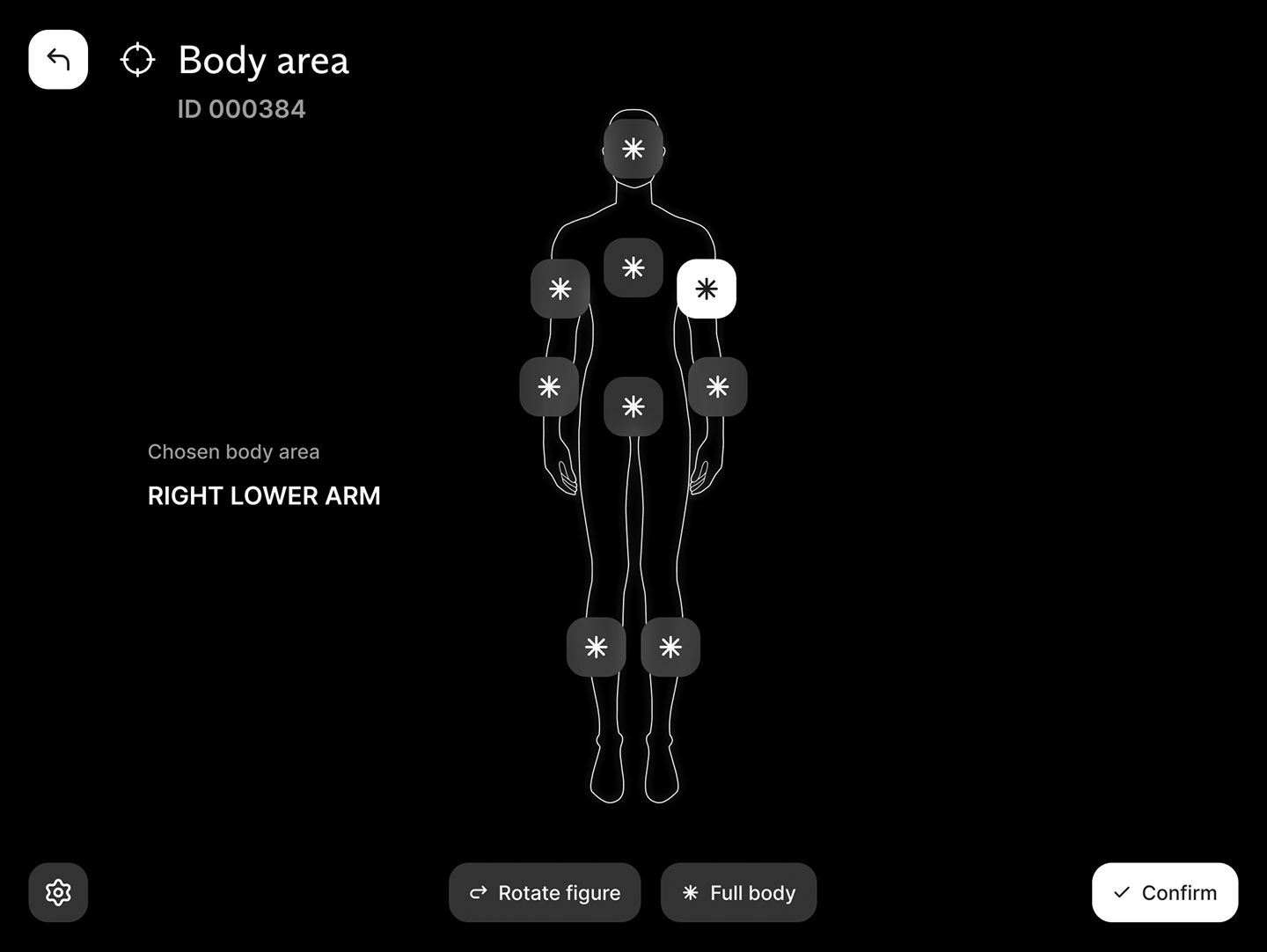
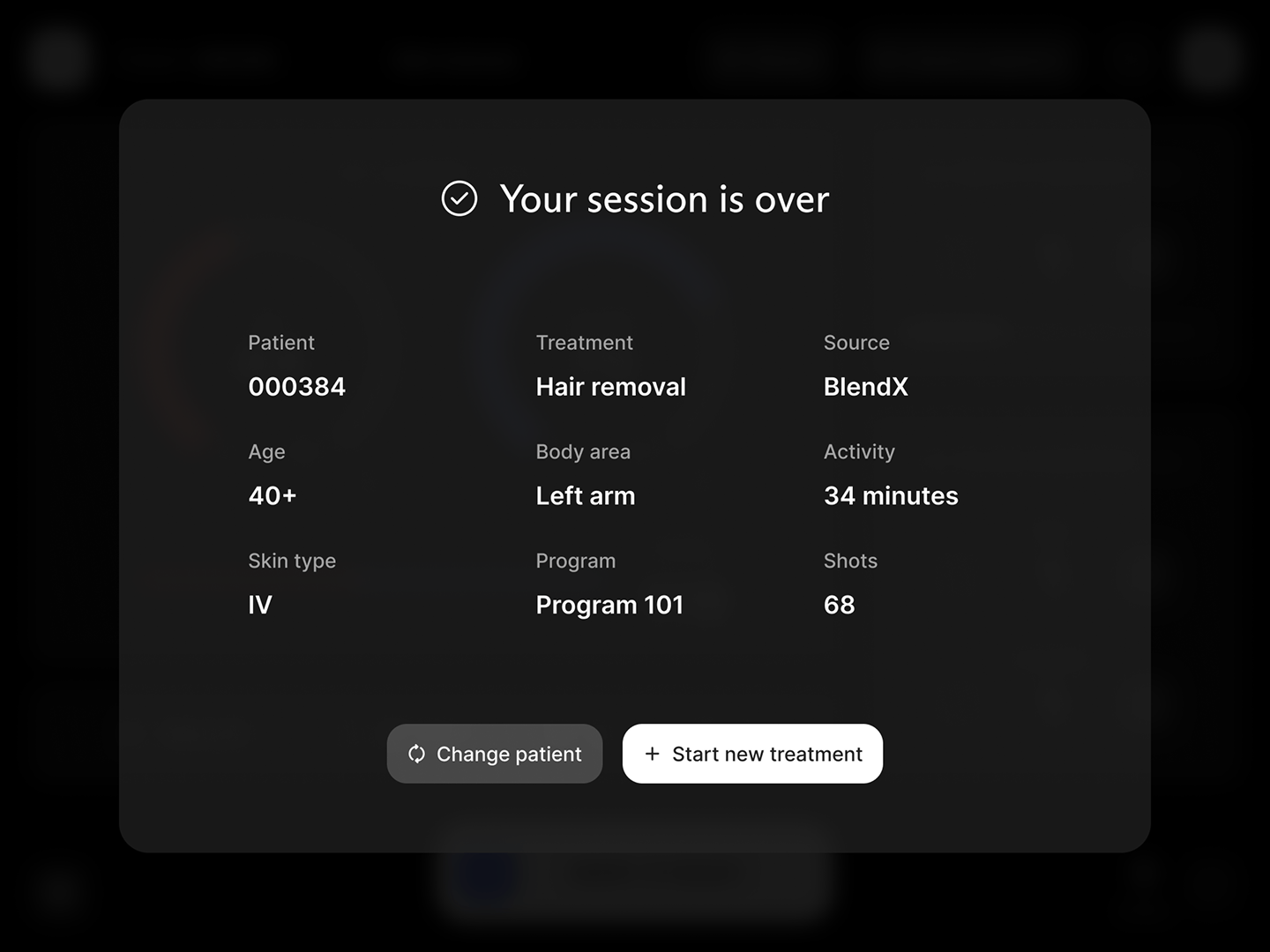
Siamo partiti da una comprensione profonda del flusso d’uso dell’utente: preparazione del paziente, impostazione dei parametri, test preliminare, erogazione, pause di sicurezza, chiusura e registrazione. Da questa mappatura è emersa la necessità di accorciare i passaggi ed eliminare ridondanze ed eventuali errori di calibrazione. Abbiamo ripensato i flussi con una sequenza più lineare, in cui l’utente passa con continuità dalla configurazione alla calibrazione, dal trattamento al riepilogo, mantenendo sempre sott’occhio i parametri critici.
Con l’utente in mente
La modalità dark è stata progettata “by design”, non come tema accessorio. Poiché gli occhiali che utilizzano gli utenti alterano i colori e scuriscono le tinte, abbiamo lavorato sul rapporto di luminosità e sull’uso di accenti che si oppongono visivamente al verde, soprattutto per stati di allerta e messaggi di sicurezza. Il colore, tuttavia, non è mai l’unico canale: avvisi e conferme sono rinforzati da icone, micro-testi chiari e posizionamenti costanti, in modo che l’informazione resti riconoscibile.
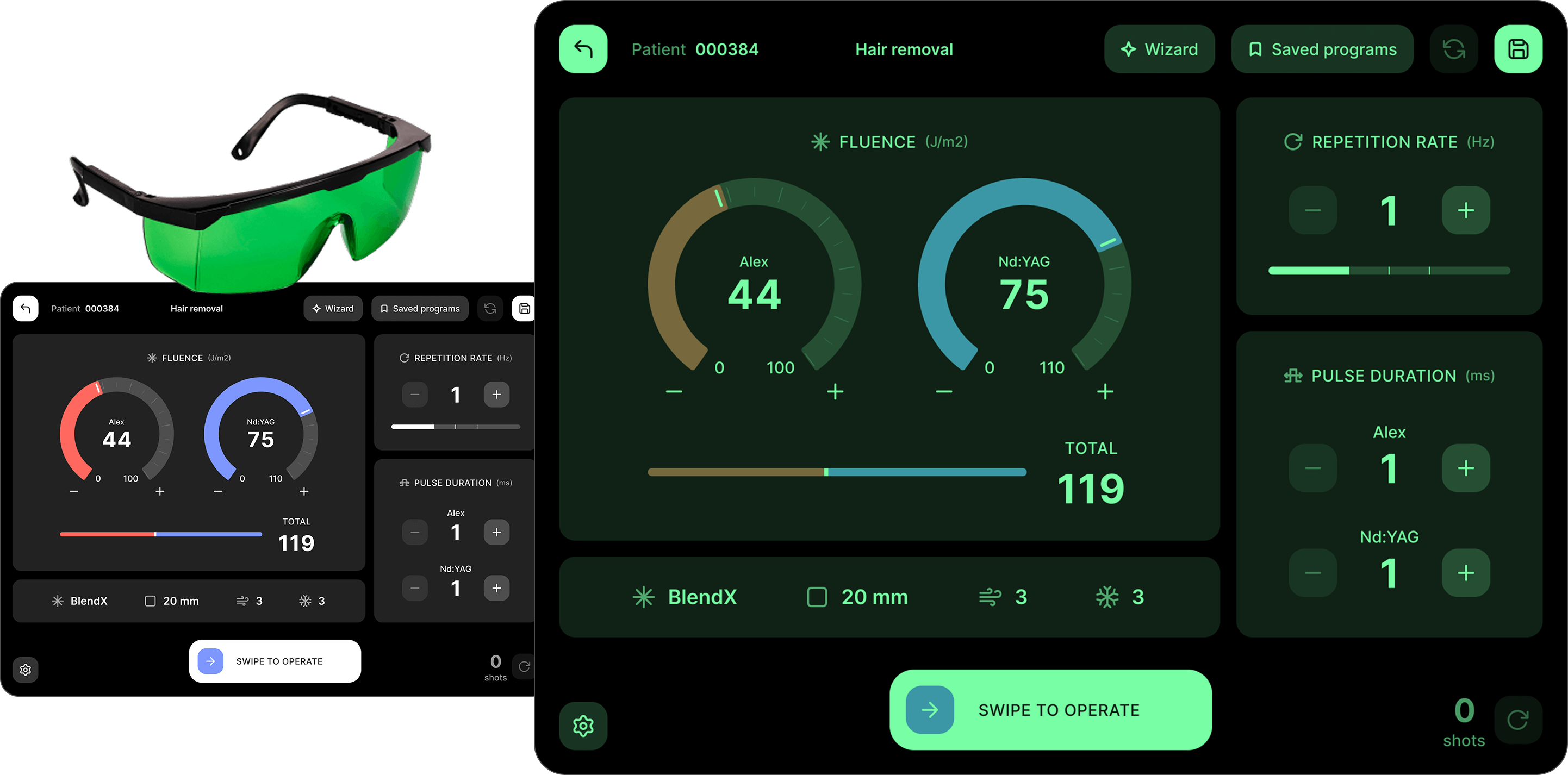
L’interazione doveva essere calibrata tenendo conto del contesto di utilizzo, non solo dal punto di vista cromatico. Abbiamo progettato bottoni ampi, controlli facilmente afferrabili e messaggi di errore e di feedback chiari e immediati. La terminologia segue l’uso clinico, evitando ambiguità.
Un design system minimo ma efficace
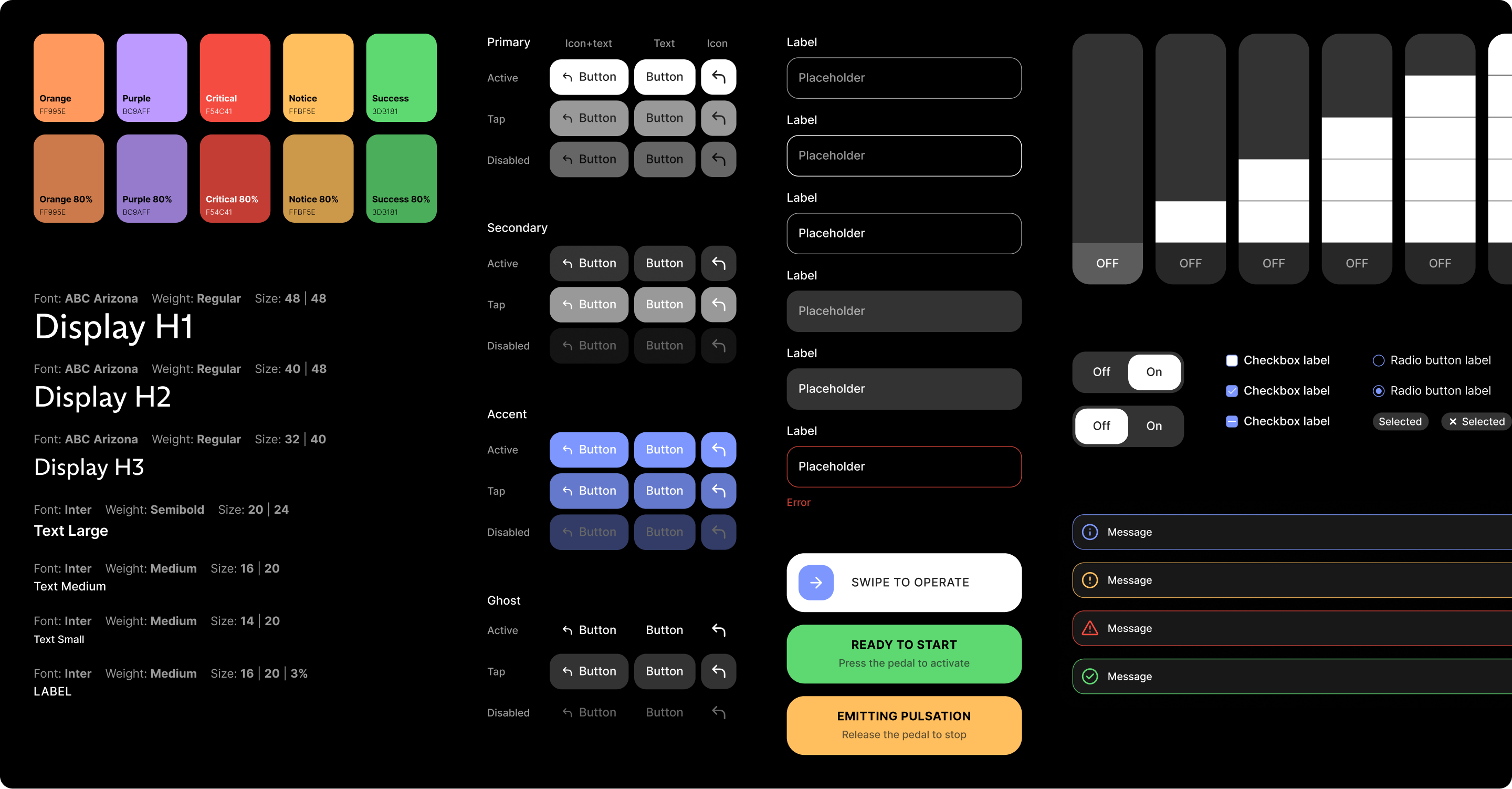
Per sostenere l’evoluzione del prodotto abbiamo costruito un design system essenziale e coerente. I componenti sono stati resi interattivi fin dalla fase di progetto, con varianti tracciate e comportamenti documentati. Il risultato è un’interfaccia che accompagna il professionista senza rallentarlo: più chiara, più tollerante alle condizioni di visione alterata e più affidabile quando conta prendere decisioni rapide e sicure.