We step in when a medtech company needs to rethink its software, or design a new one, where an interface error weighs more than anywhere else.
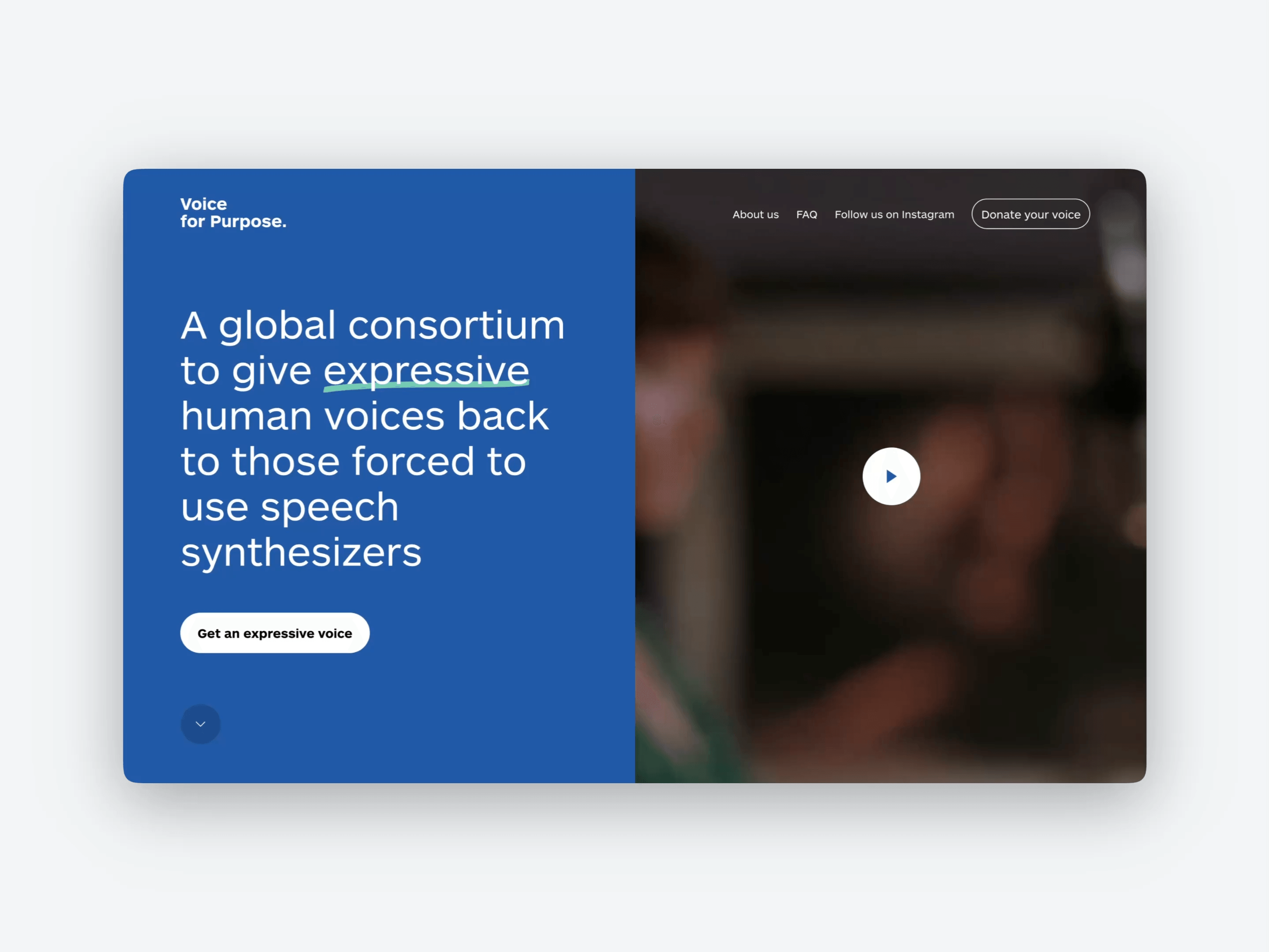
We work on cloud platforms for healthcare and on medical device interfaces, often parts of the same product. We have been designing software for technology companies since 2012, and in the medical field we have worked on health surveillance, clinical trial data, assistive technology and laser therapy devices.
It may be the right time if
- You want to improve the user experience of your software, but you have no in-house designers and your developers design it today
- Your product lives on several devices — machine, desktop software, cloud, patient app — and each one has grown on its own
- You are preparing a new model or a new version of the device and want to rethink the interface too
- Clinicians, technicians, researchers and patients use the same product with very different needs
- You want to validate a flow with users before writing its code
- You need to hold usability and compliance together, from MDR requirements to the device’s usability engineering
Where we step in
Two areas, often within the same product

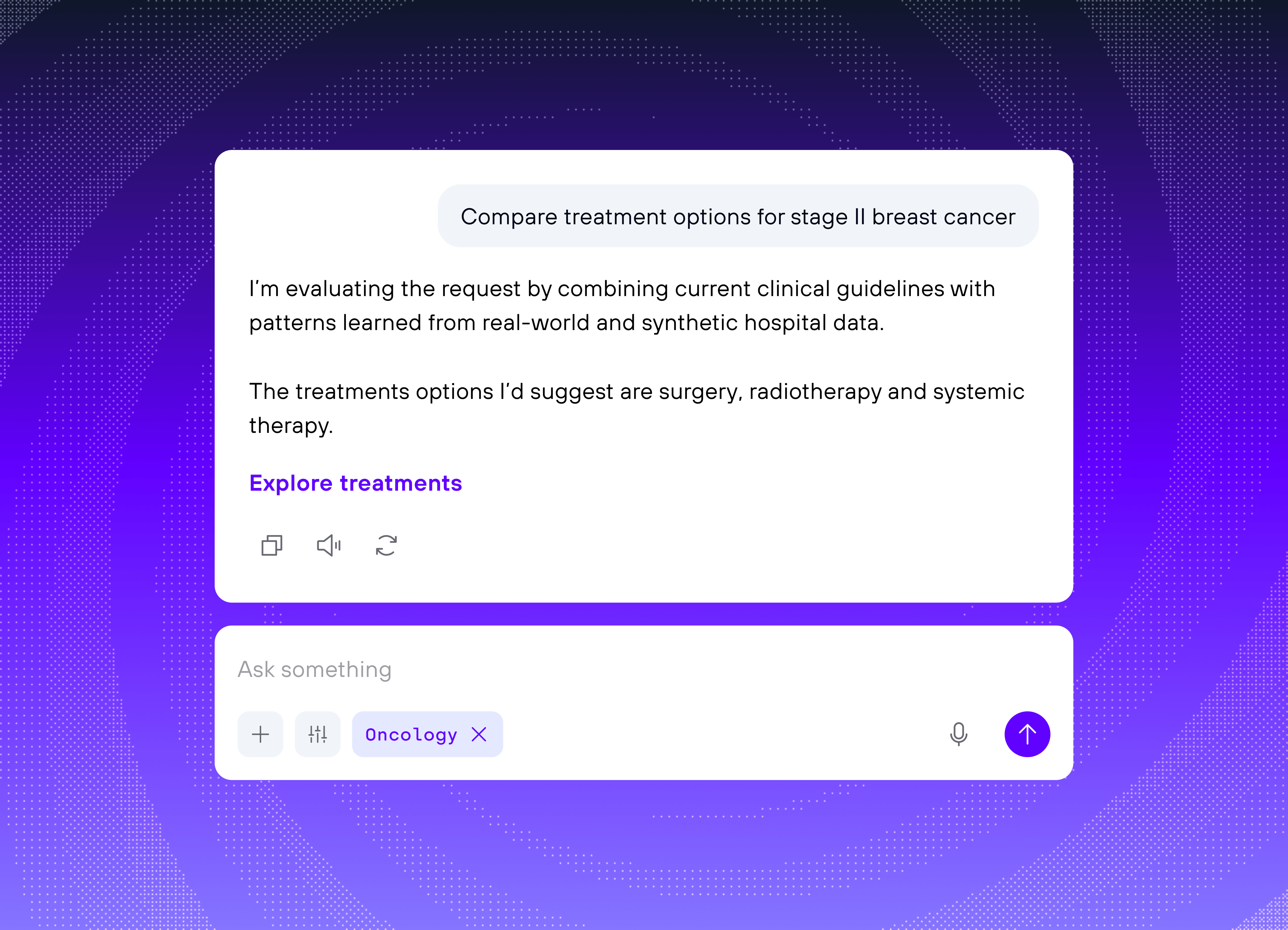
Cloud software and healthcare platforms
Medical machines and devices
One product, several devices
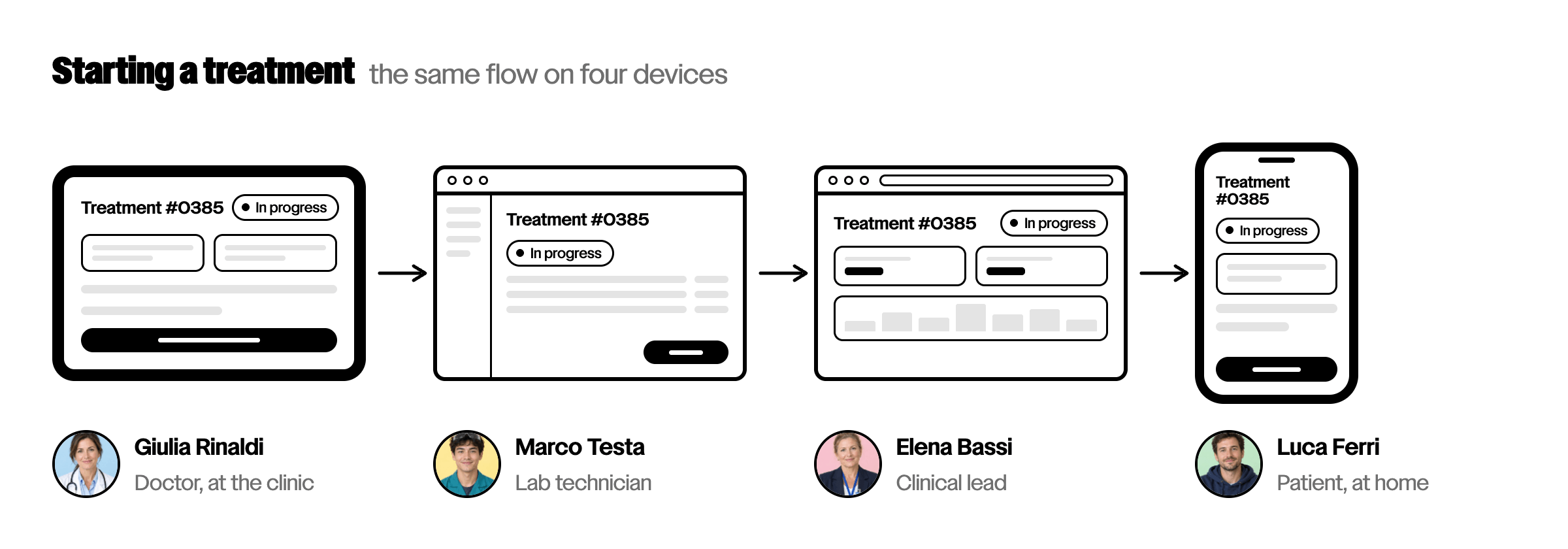
In the medical field the same product often moves from the machine to the laboratory’s desktop software, from the cloud platform to the patient’s app. When each of these pieces is designed at a different time, by different people, users find different names, hierarchies and behaviours for the same task.
We start from the clinical flow and follow it across every device, to define a shared language: the same terms, the same states, the same alerts. Each device keeps its own constraints, but the product becomes one again.
How we work
Five activities that take medical software from an idea to a foundation the team can build on
① Understand the clinical context
In workshops with product, clinical and regulatory teams, we map the real flow and the regulatory constraints that shape the interface.
- Use flows and users
- Context of use and risks
- Technical and regulatory constraints

② Prototype with AI
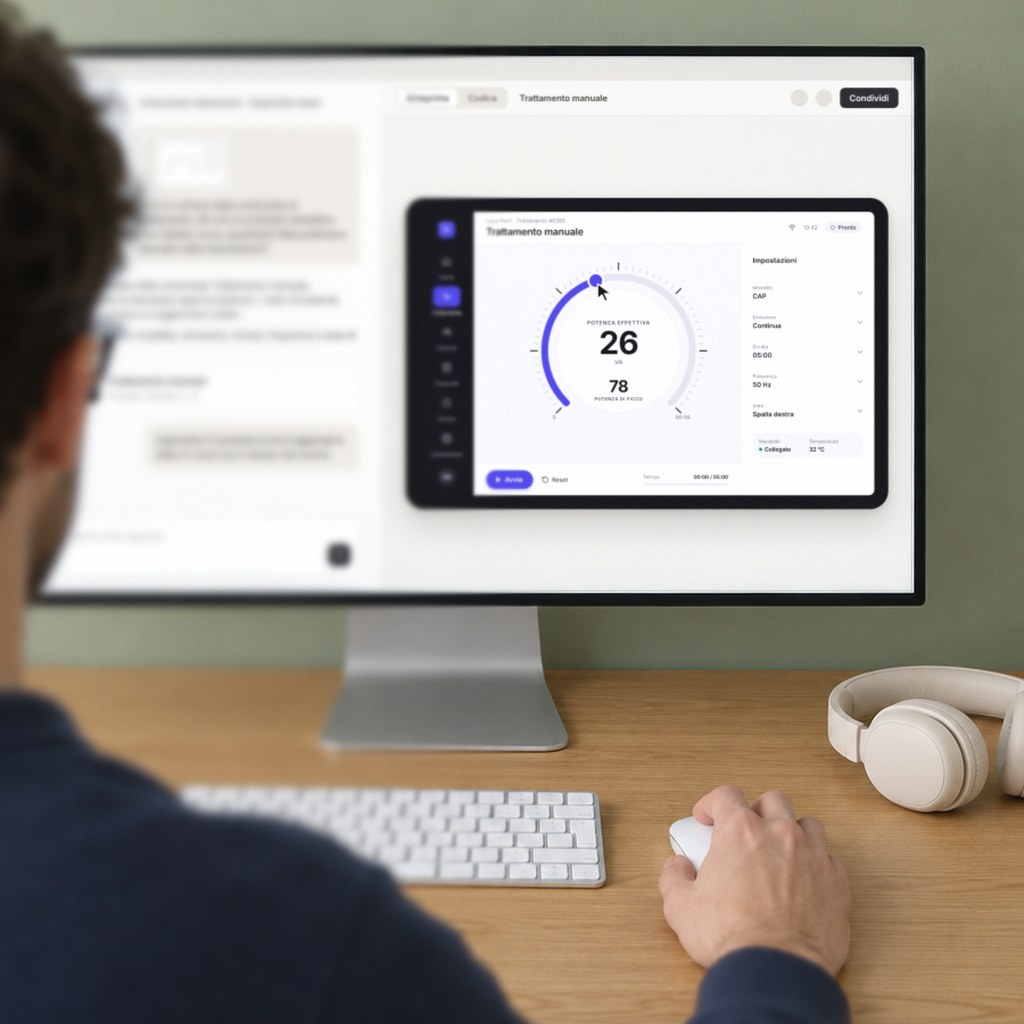
With AI we build prototypes in code that don’t just look real but work, to try by hand, on touch screens too. They become the foundation for the existing codebase or for a new one.
- Interactive prototype in code
- Tried on the device or on a tablet of the same size
- Foundation for the existing codebase or for a new one
③ Test with the people who will use it
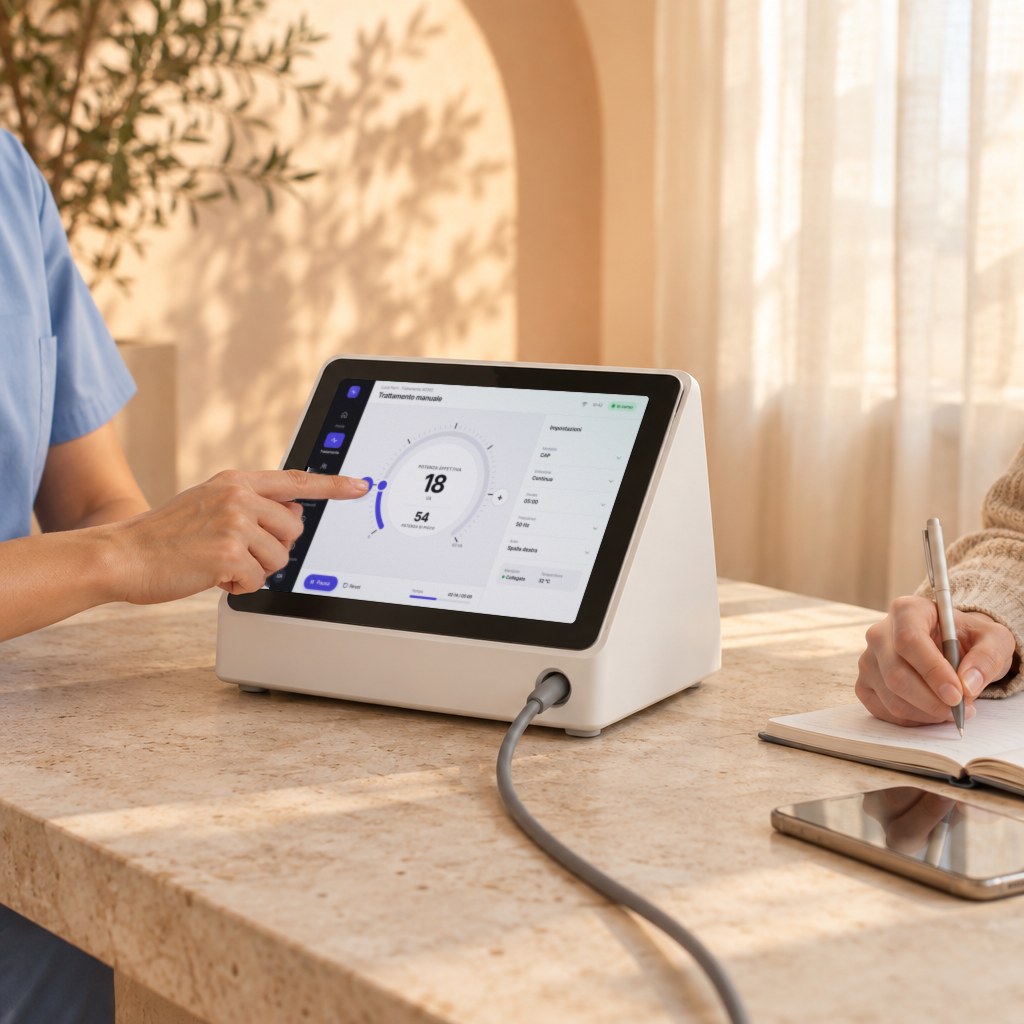
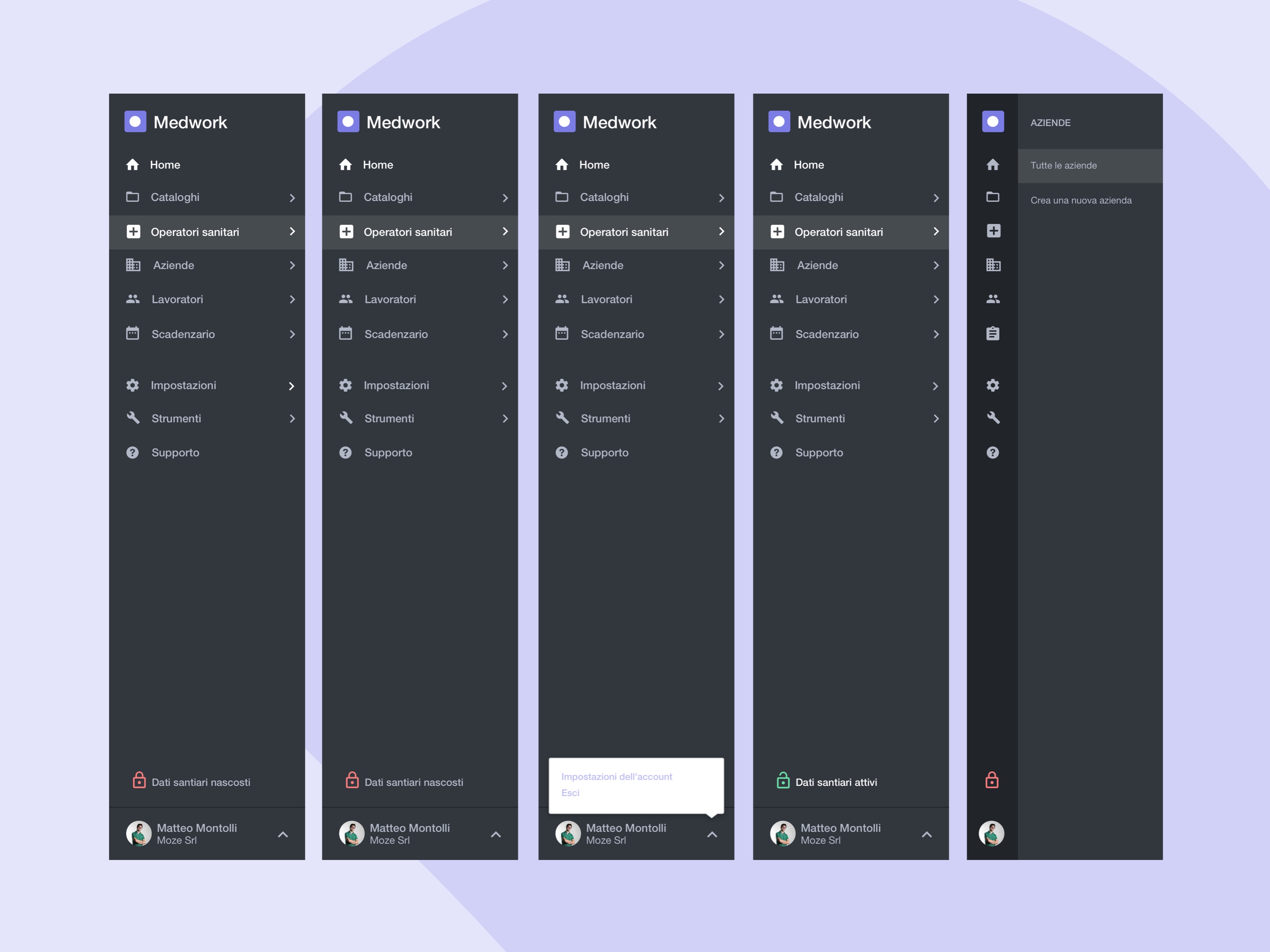
Clinicians, technicians and patients try the prototype: hesitations and errors surface that a static screen does not show. For Medwork we chose the solutions through live tests with occupational doctors.
- Tests with real users
- Options compared
- Decisions backed by results
④ Build the design system
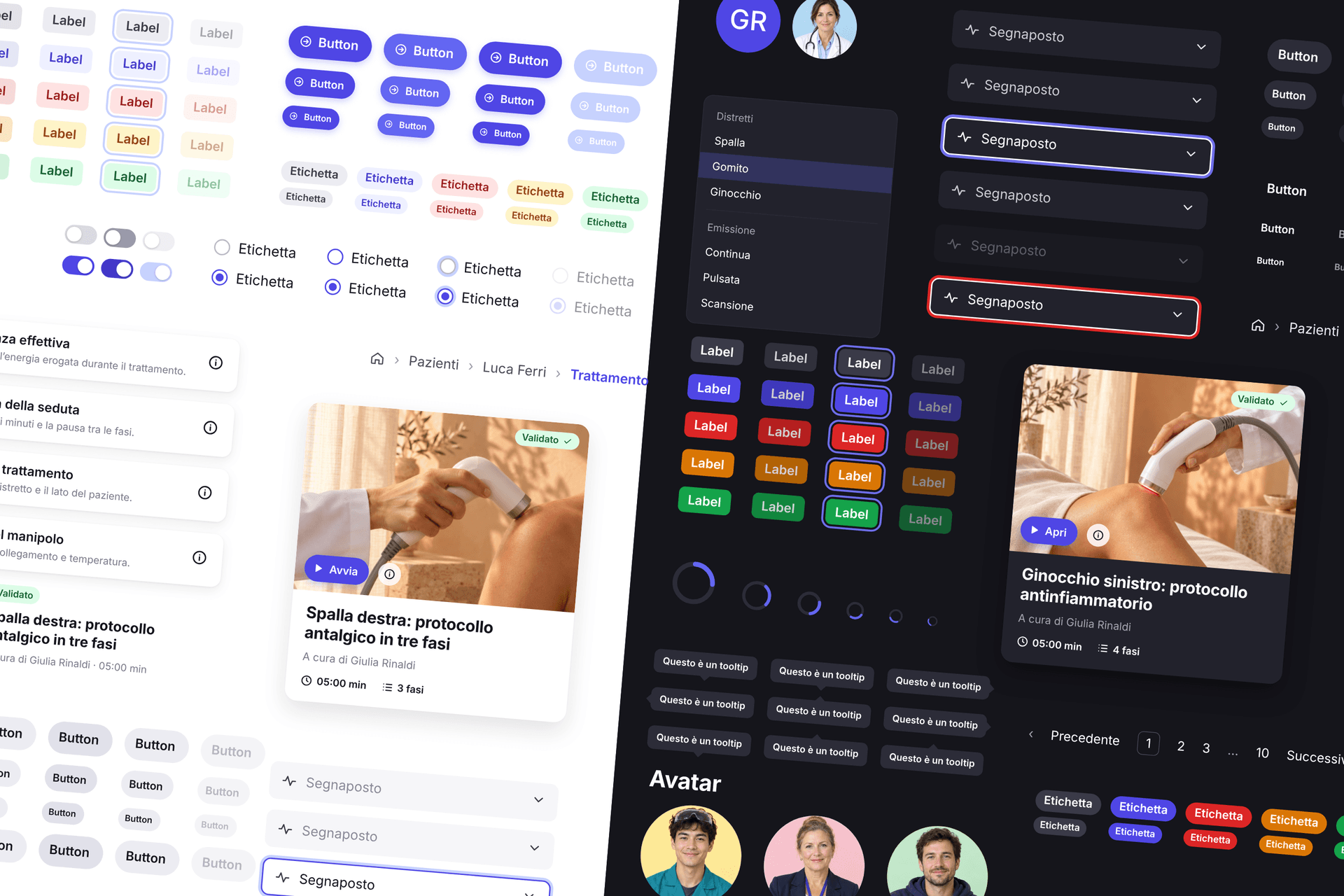
From the validated screens we derive tokens, components and patterns, with particular care for alerts and errors: one system for every device of the product.
- Tokens, components and patterns
- Alert and error states
- One system for every device of the product
⑤ Document the decisions, for AI agents too
We document flows and decisions for the team and for usability engineering, and write rules in a DESIGN.md that agents such as Claude Code, Codex or Cursor use as context.
- Documentation for the development team
- Material for usability engineering
- A DESIGN.md for AI agents
Andrea Garganico Product Design Director & CPO, NSI

Medical projects
Frequently asked questions
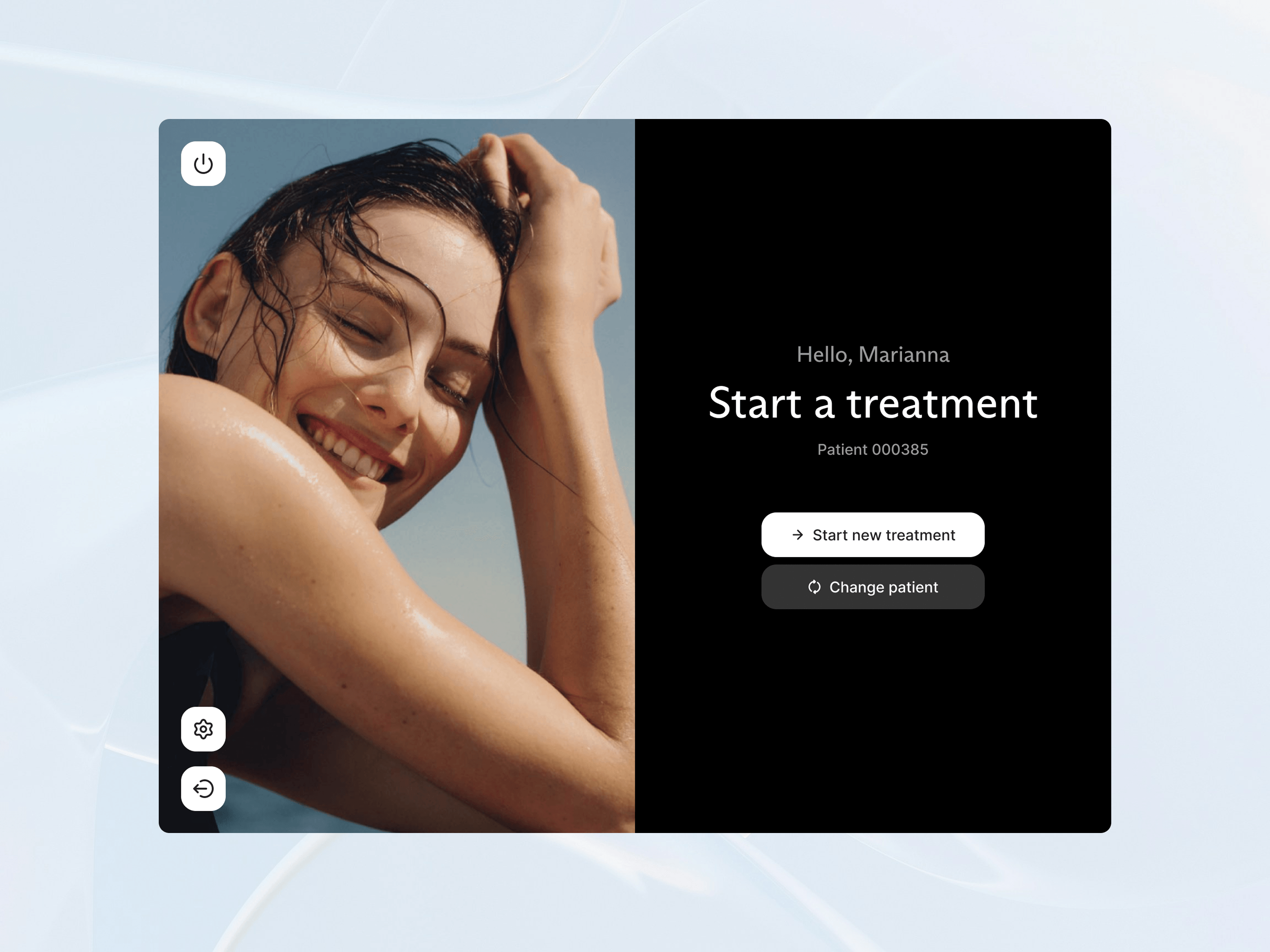
Yes. We designed the touch interface of a laser therapy device, from the treatment flow to the design system. You can find the project among our work.
It is a prototype in code that you use like the real software: it responds to touch, shows states and errors, and works with realistic data. It lets you try a flow with users before building it, and it is especially useful for touch devices, where how the interface responds to people’s hands matters.
Yes. It can become the foundation for bringing the new interfaces into the existing codebase, together with your team, or the starting point of a new codebase on which to build the final software.
No. We do not manage the certification or write the technical file. We document flows, decisions and tests so that your quality and regulatory team can use them in usability engineering.
No. Many medtech companies don’t have any: in that case we work directly with product managers and developers, and leave a design system and rules that the team can use on its own.
Design projects for medical software usually start from €15,000, the price of the Design Foundation Sprint. A pilot project, on a smaller scope, can start lower. The budget grows with the number of devices involved, how deep the redesign goes and whether development work is included.