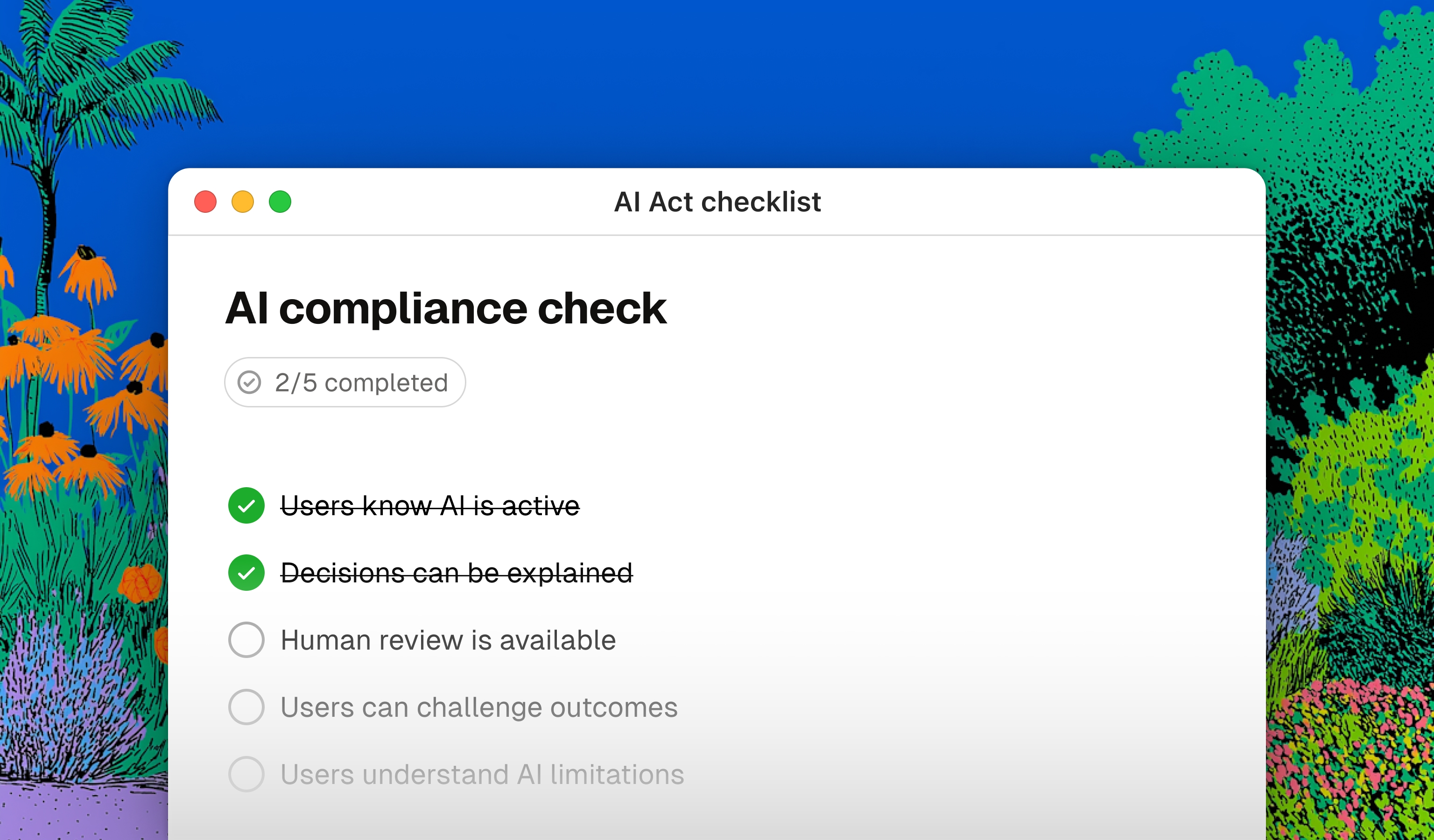
Its goal is to support innovation while ensuring that AI systems are safe, transparent, and respectful of fundamental rights.
Despite its legal and engineering roots, the regulation has a direct impact on people who design digital products: designers, product managers, and development teams.
To design interfaces that comply with the AI Act, you need to translate regulatory obligations into precise design choices: showing users that they are interacting with an automated system, presenting an explanation of decisions made by AI, and deciding where to place controls that allow people to challenge or interrupt an automated process. The interface is where legal rules stop being abstract clauses and become concrete interactive elements. If this step fails, the entire product may be non-compliant, with potential penalties.
In this guide, we will look at which aspects of the AI Act directly affect the work of UX and UI designers, and how to translate them into concrete design decisions.

1. Regulatory framework and key deadlines
The AI Act adopts a risk-based approach. Artificial intelligence systems are classified into different categories based on their potential impact on people and society. For those who design digital products, however, the truly relevant categories are two:
- Transparency obligations for specific cases: these apply to systems that interact directly with people or generate synthetic content, such as chatbots, virtual assistants, generative systems, and deepfakes. In these cases, users must be able to recognize the presence of AI.
- Regulated cases (high risk): these include critical applications used in contexts such as recruitment, credit, education, healthcare, or the management of critical infrastructure. In these scenarios, additional requirements come into play, such as human oversight, traceability, and explainability of decisions.
The compliance roadmap
The obligations introduced by the AI Act come into force through a progressive roadmap. Failure to comply can lead to penalties of up to EUR 35 million or 7% of annual global turnover.
- February 2025 (already in force): prohibition of unacceptable-risk systems, such as those based on behavioral manipulation or social scoring.
- August 2025: the first obligations related to General Purpose AI models come into force.
- From 2 August 2026: most operational provisions of the AI Act apply. Some obligations for high-risk systems follow specific timelines.
Regulatory roles: Provider and Deployer
The AI Act mainly distinguishes between Providers and Deployers.
The Provider is the party that develops or modifies an AI system to place it on the market. The Deployer is the party that integrates and uses a system developed by a third party within its own product or service.
This distinction matters because many digital companies do not build proprietary models, but integrate external AI services through APIs. Even in these cases, they may still be subject to obligations related to transparency, human oversight, and the proper management of generated outputs.

2. From rule to screen: how UX/UI design changes
The AI Act does not simply introduce new documents to fill in or new procedures to follow. It introduces new design requirements. The goal is to move beyond the "black box" model, where a system makes decisions or generates content without making clear what it is doing and why.
For designers and product teams, this translates into three questions:
- How can we make the presence of AI visible?
- How can we explain AI-generated outputs and decisions?
- How can we maintain meaningful human control over the process?
These three aspects are not independent. In a credit assessment flow, for example, users need to know that an automated system is involved, understand the factors that influenced the result, and have the possibility to request a review. For this reason, transparency, explainability, and human oversight should not be designed separately, but as parts of the same experience system.
Visual transparency (AI Disclosure)
What the law requires: users must know whether they are using an automated system or viewing synthetic content (AI-generated text, images, or audio). The obligation does not apply only to chatbots: it extends to any output produced or mediated by artificial intelligence.
Impact on Design: AI cannot be disguised behind human-like dynamics to increase conversion. The interface must integrate consistent visual markers (badges, dedicated icons, differentiated backgrounds) that separate AI actions from the rest of the application. These elements should be positioned before the interaction, not only at the end of the flow. A persistent label can be a useful design choice to reduce ambiguity, although it is not explicitly prescribed by the AI Act.

Explainability (Explainable AI - XAI)
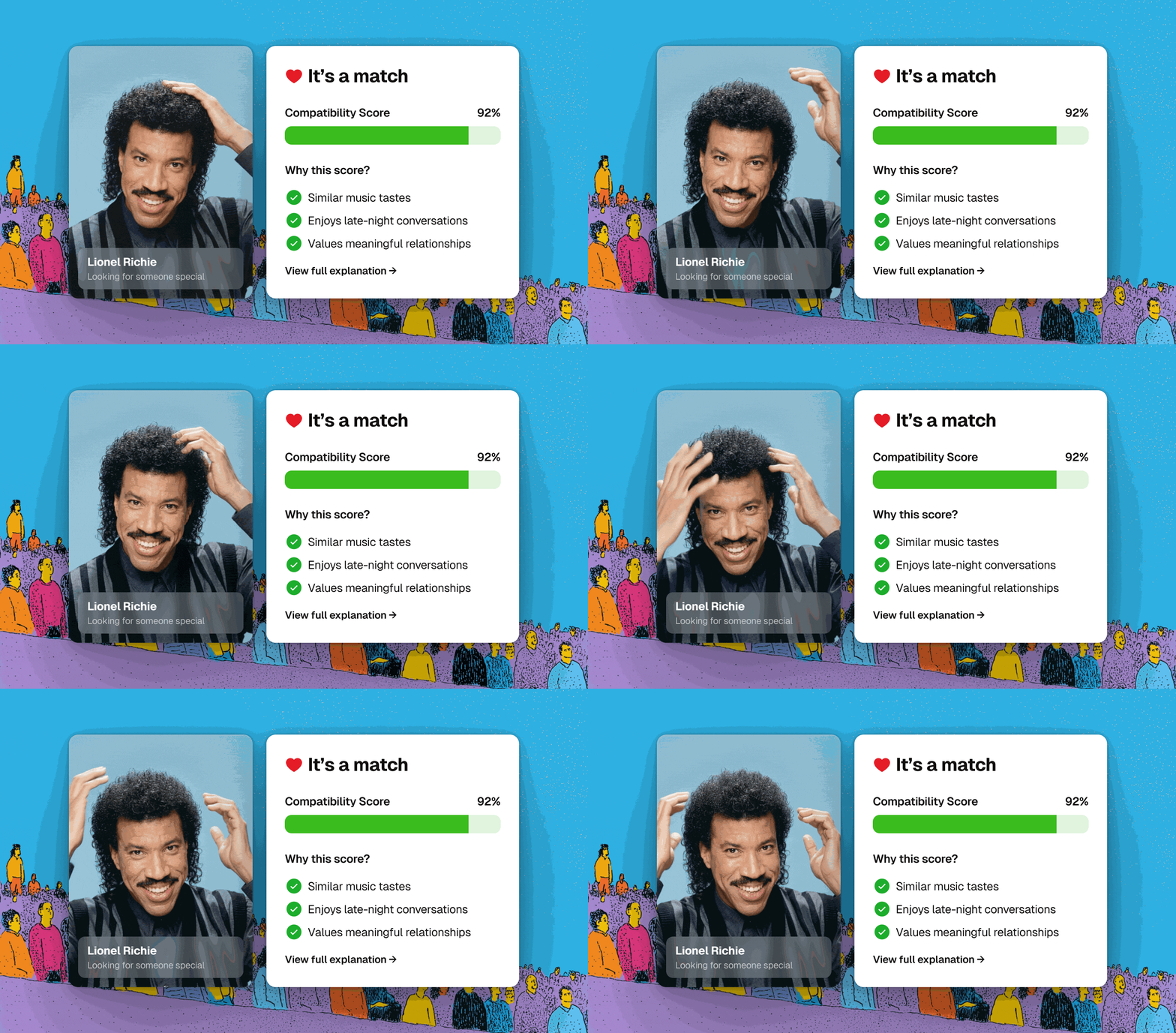
What the law requires: the system must make the criteria behind an output or automated decision understandable. Specifically, this applies to high-risk systems: transparency and adequate information must be provided to deployers so they can interpret the output and use the system correctly.
In addition, when a person is subject to a decision based on the output of a high-risk system, they have the right to receive clear and meaningful explanations if that decision produces legal effects or similarly significant impacts.
Impact on Design: this changes how microcopy and tooltips are handled. Design must translate numerical scores, decision trees, or algorithmic variables into natural and accessible language. From a UI perspective, this means designing dedicated information areas - collapsible panels, detail modals, "Calculation details" sections - placed next to the generated output to reduce cognitive load.
The depth of the explanation should be proportional to the risk of the decision. For a low-risk output, such as a product suggestion or editorial recommendation, a contextual tooltip may be enough. For a high-impact decision, such as credit assessment, candidate selection, or medical decision support, a dedicated information path is needed, one that can also be accessed later and not only when the output is first shown.
Human oversight (Human-in-the-loop)
What the law requires: users or operators must be able to monitor, correct, or invalidate decisions made by AI.
Impact on Design: this changes interaction design and navigation flows. The idea of "single-click" automation disappears. Intermediate validation systems need to be designed so that users can verify the output before it becomes final. In high-risk systems, the process and interface must enable effective human oversight, proportionate to the risk.
There are two design aspects to consider. The first concerns the friction introduced for human oversight: it must not become an obstacle that makes automation unusable. Compliance requires controls that are proportionate to risk, not unnecessary steps. The second concerns the distance between the person using the system and the person affected by the decision. In high-risk systems, these roles often do not coincide: a recruiter uses the tool, but the candidate is being evaluated; a doctor consults diagnostic support, but the patient bears the consequences. For this reason, clear paths for explanation, review, and challenge must be designed, while checking compliance with both the AI Act and the GDPR.
3. UX/UI checklist for AI Act compliance
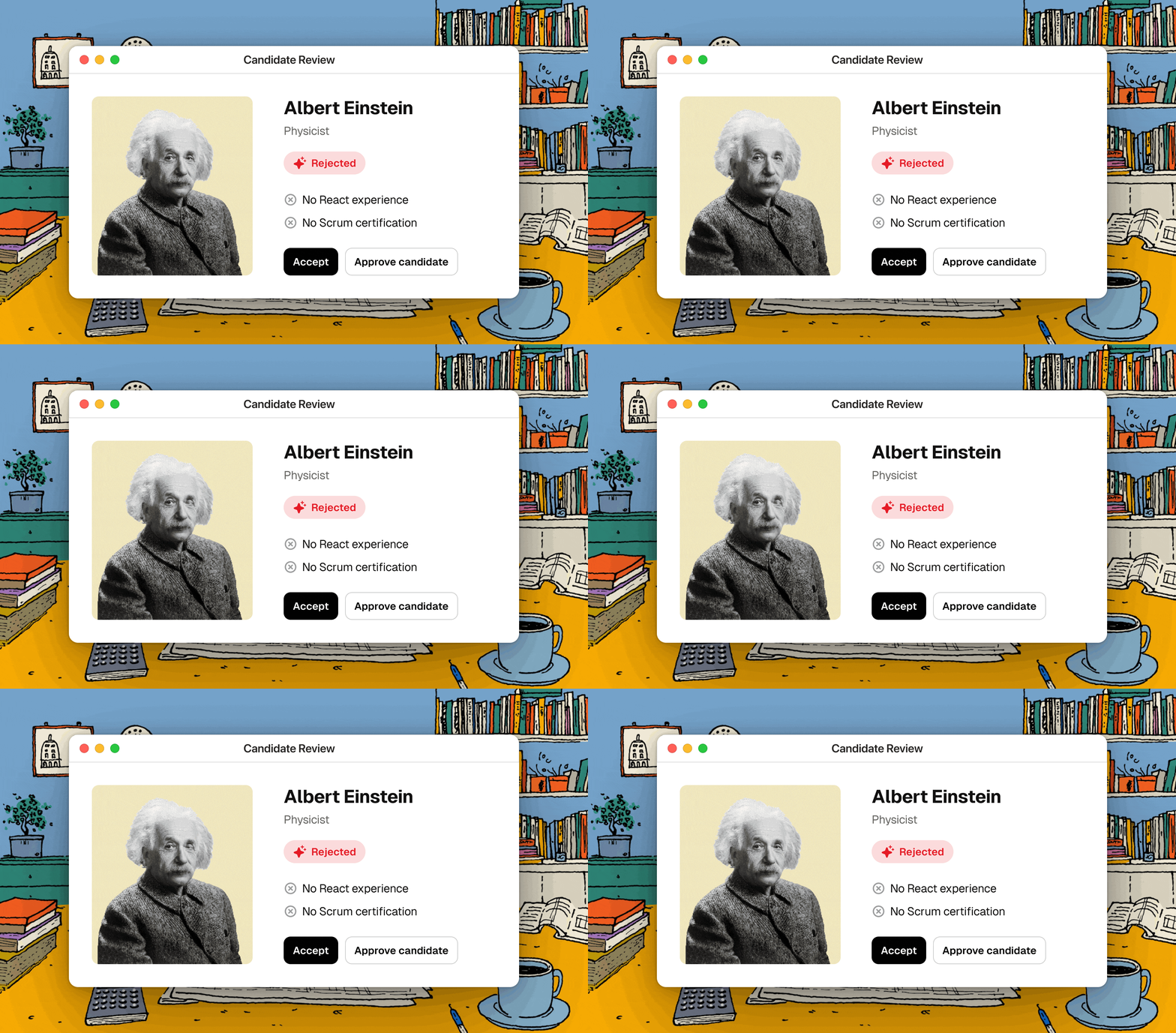
We created an operational checklist for designing AI products. It can be used during design reviews to check that flows, components, and microcopy meet the requirements introduced by the AI Act, or during testing and QA to confirm that what was designed has actually been implemented.
Each item includes an indication of its relevance level, distinguishing between regulatory obligations, aspects to verify based on risk, and UX best practices.
The checklist does not replace legal advice or a formal risk assessment. For products that fall into high-risk categories, those tools remain necessary and complementary.
🔴 Mandatory
🟠 To be verified based on risk
🟡 Best Practice
🔵 Other regulation (GDPR, DSA, DMA)
Transparency (AI Disclosure)
Users immediately recognize when AI is active
Content generated or modified by AI is clearly identifiable
Information about the presence of AI is shown before the interaction
The presence of AI remains clearly visible throughout the flow
Explainability
AI decisions, suggestions, or outputs can be explained
The level of detail in the explanation is proportionate to the risk of the decision
Explanations remain accessible after the output is first displayed
Explanations use understandable, non-technical language
Human oversight (Human-in-the-loop)
It is possible to request human intervention or review
AI outputs can be modified, canceled, or ignored
Critical processes include human validation before the final decision
People affected by a decision can request a review
Human oversight does not introduce excessive or unnecessary friction
Preventing deceptive patterns (Anti-dark patterns)
The interface does not use manipulative techniques to influence user behavior
AI suggestions are not presented as the only possible option
Users can refuse or limit algorithmic personalization as easily as they can accept it
Managing uncertainty (Design for uncertainty)
The interface clearly communicates AI limitations, potential errors, or uncertainties
For high-impact outputs, the available reliability or confidence level is communicated
It is possible to report errors or provide feedback on AI outputs
Loading states and system errors are clearly distinguishable from AI decisions
Want to read more about how we think about AI? Read UX design for AI: a practical guide to avoid common mistakes and AI is the future of development, but not as I imagined.