
Moze is an independent UX/UI design and development studio based in Milan. For more than 10 years, we have worked with software companies, multinationals, and technology scaleups on B2B digital products: enterprise platforms, SaaS, vertical management software, and proprietary software.
Our work is especially useful when a platform is solid, used by real customers, and has grown over time, but the user experience no longer communicates the quality of the product with the same clarity. This often happens during a replatforming, a front-end migration, the creation of a new internal team, or a commercial move toward enterprise customers.
Understanding complex domains, not just redesigning screens
In enterprise software, complexity comes from operational processes, user roles, permissions, exceptions, workflows, data, integrations, and specific business rules that have often existed for years.
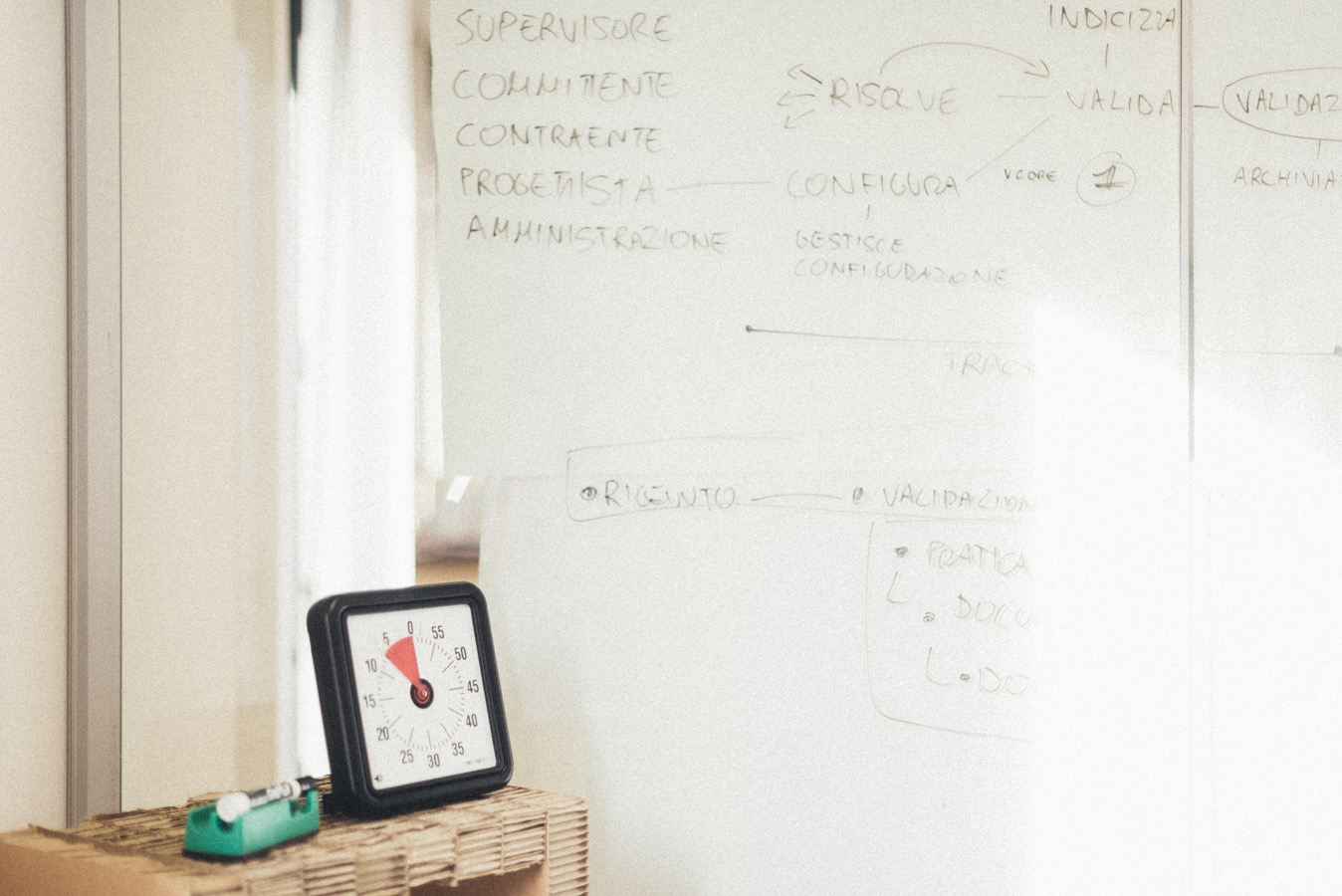
We enter the domain, listen to the people who know the product, and use tools such as co-design workshops, User Story Mapping, Customer Journey Mapping, Jobs To Be Done, prototypes, and alignment sessions to turn complexity into clearer design decisions.
When the product has grown faster than its interface
Many B2B software products are functionally solid, but they grow through successive additions: new modules, customer requests, exceptions, permissions, integrations, and specific flows. The result is often a valuable product with a layered UI, limited consistency across modules, and a difficult story to tell in sales.
The product works, but in demos it communicates less value than it really has. In enterprise contexts this matters: software is evaluated before real use, during demos, tenders, stakeholder presentations, onboarding, and guided trials. If the interface feels dated or inconsistent, a solid platform can appear less advanced than it is.
A lean, prototypal, and incremental approach
Many redesign projects begin inside a replatforming or technology modernization. In these cases, adding months of research before seeing a direction is rarely useful: the team needs to understand the product well enough to make decisions, prototype quickly, and move through priority areas. The starting point is close to what we discussed in our webinar on how innovating enterprise UX can be easier than you think: work by priority, make decisions visible, and move at a sustainable pace.
Our approach is agile, iterative, and incremental. We use workshops and focused research to enter the problem, then build high-fidelity prototypes to align direction, technical teams, and stakeholders. From there, we go vertical: dashboards, critical flows, modules used in demos, recurring components, and sections with high commercial or operational impact.
It is the same principle we described in How to approach the redesign of enterprise software: understand by designing, reduce ambiguity with concrete artifacts, and turn each step into implementable output.

UX, UI, and front-end with the technical team
Moze works where design and development meet. We collaborate with internal technical teams that already know the product, infrastructure, and application logic, bringing method, UX/UI, design systems, and front-end expertise.
In practice, we can work on:
- UX/UI redesign of B2B software, SaaS, and enterprise platforms;
- audits of critical flows, screens, and modules;
- clickable prototypes to align stakeholders and technical teams;
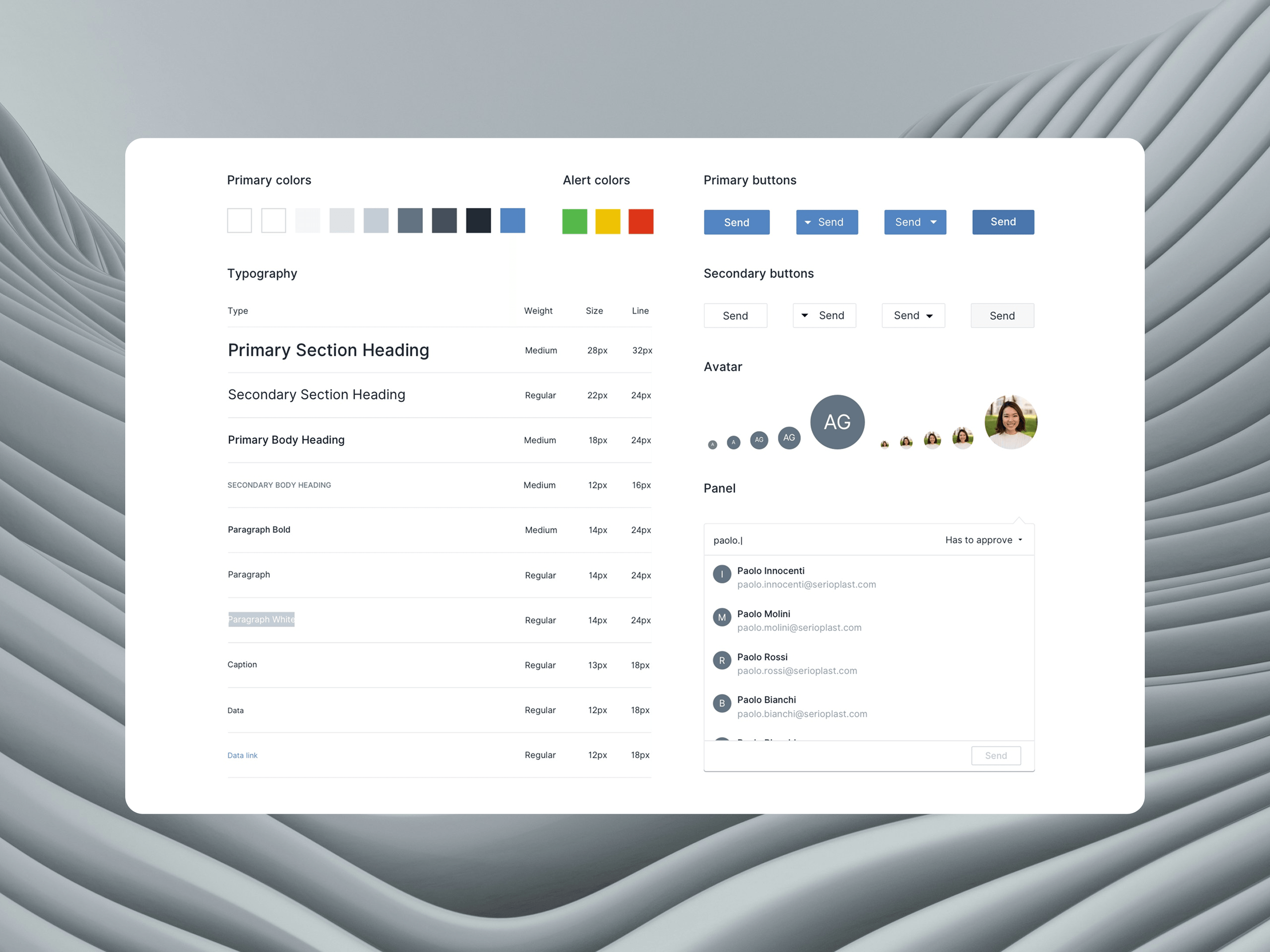
- design systems, component libraries, and reusable patterns;
- front-end components and development support;
- handoff, documentation, and collaboration with the internal team.
This integration between design and development is central to how we work: we also wrote about it in our article on collaboration between designers and developers.
Software that is clearer to use and stronger to present
A well-scoped UX/UI intervention reduces the gap between actual value and perceived quality. It helps users orient themselves, the technical team evolve the product with more consistency, and the sales team present the software with more confidence.
- a more coherent UI across modules and product areas;
- clearer critical flows;
- more effective demos;
- a design system that also helps development;
- more scalable components and patterns;
- a stronger base for the future evolution of the software.
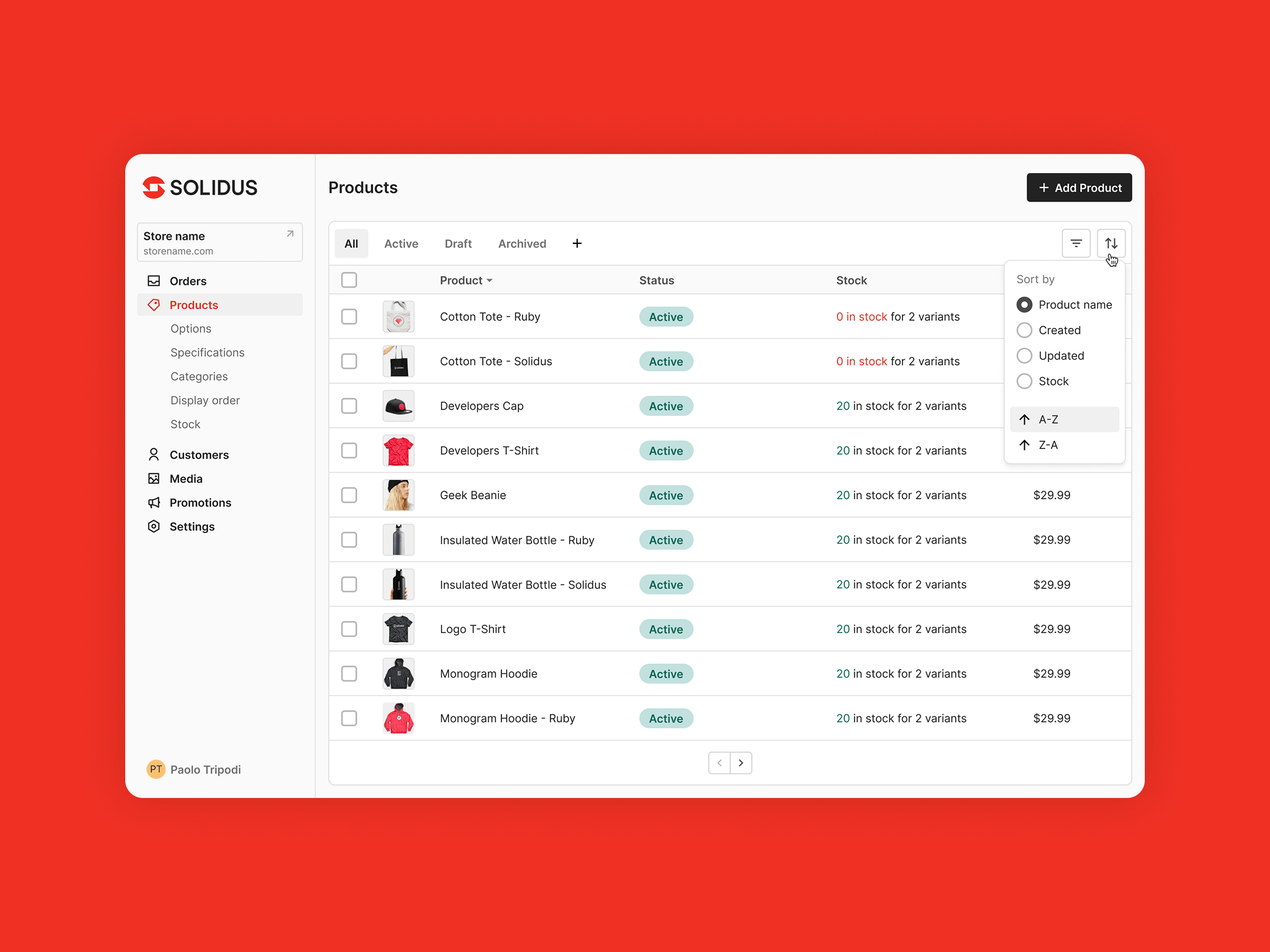
When a product contains data, tables, or operational dashboards, we work on readability and interaction priorities using the same principles that guide the design of effective dashboards and usable data tables.
Relevant case studies
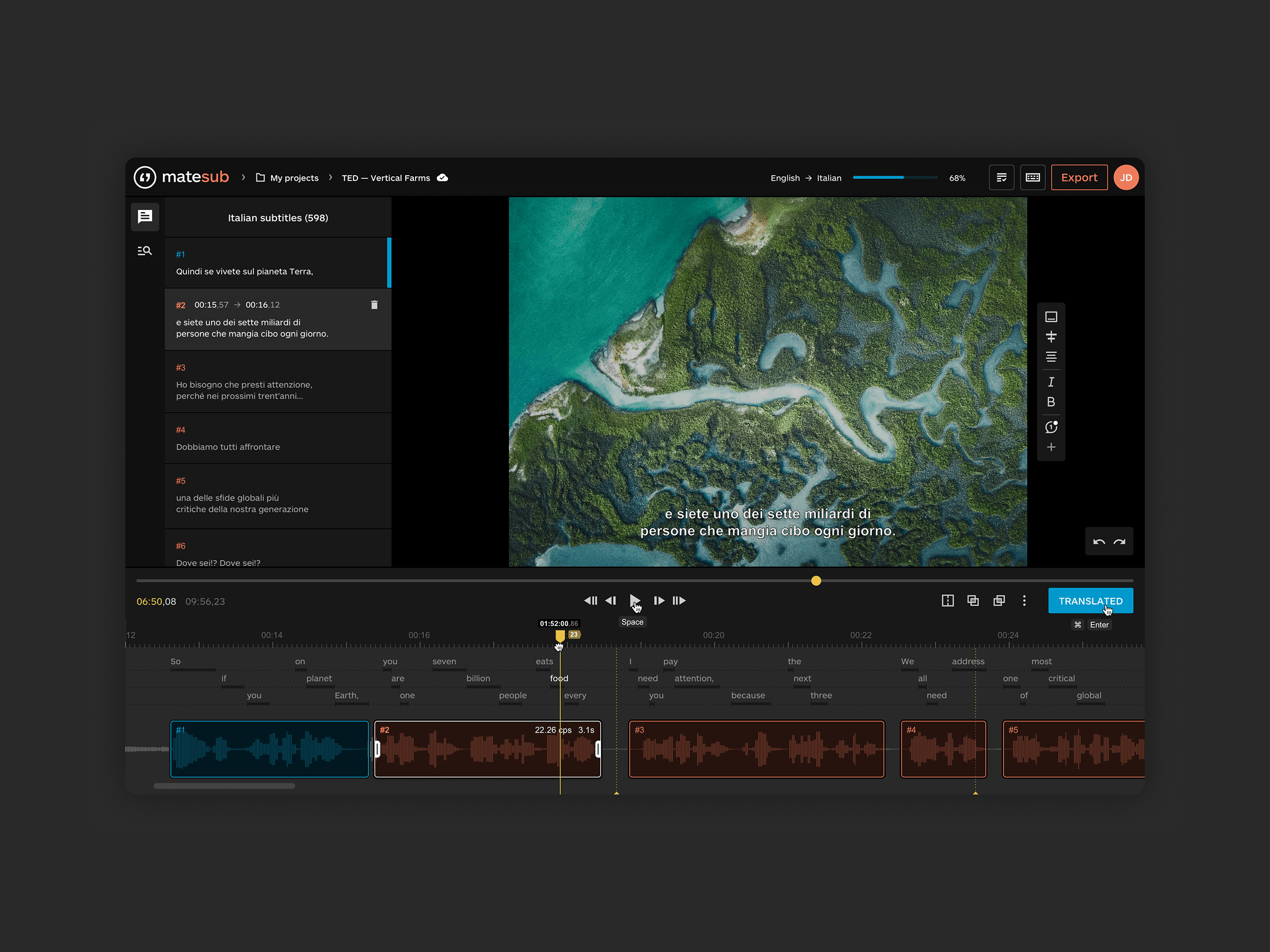
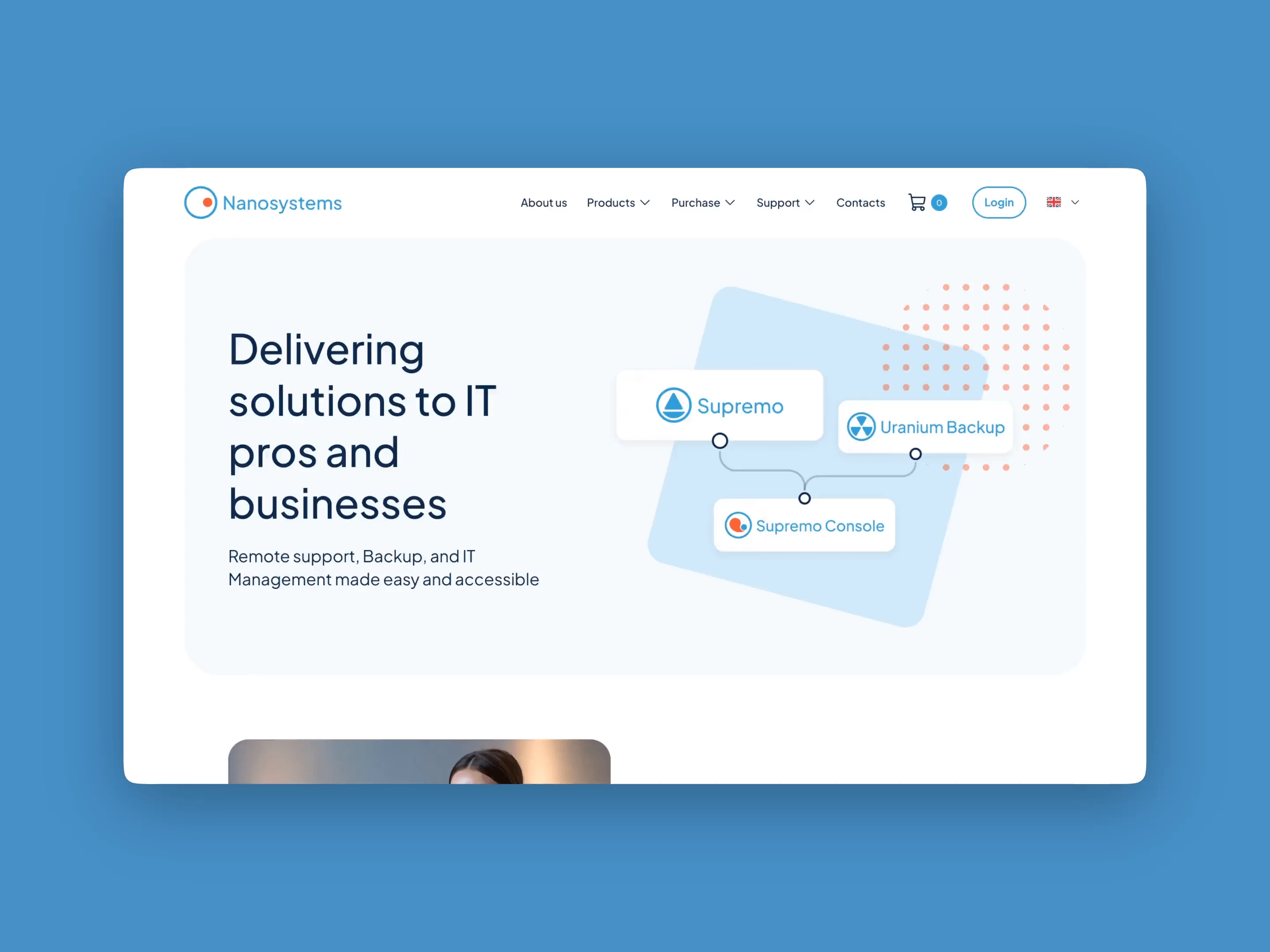
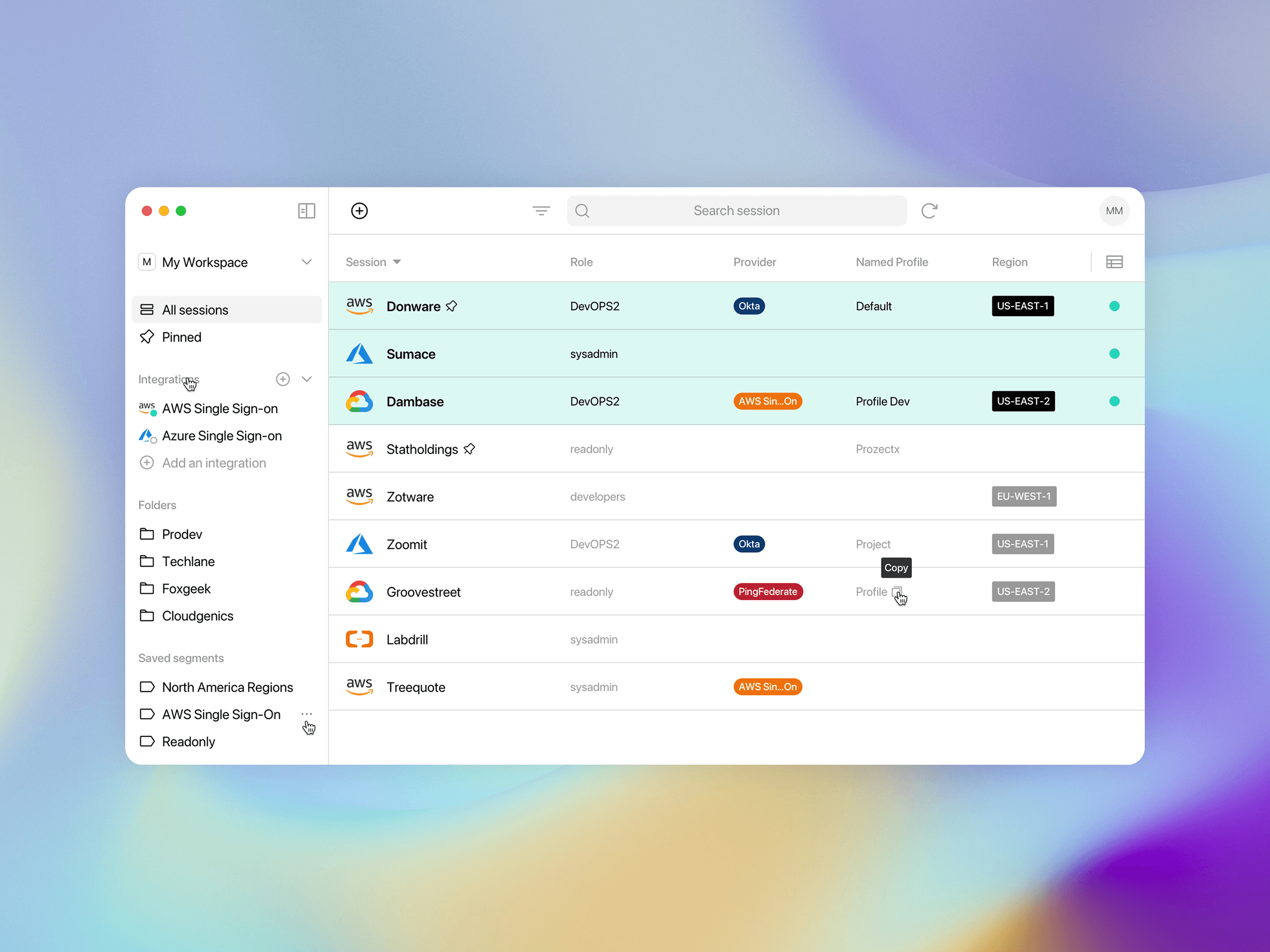
A selection of public case studies on B2B software, complex products, design systems, front-end work, and collaboration with internal technical teams.
Marco Trombetti Co-founder & CEO, Translated
Alberto Vena Chief Technology Officer, Nebulab
Paolo Innocenti IS Director, Serioplast
Michele Sampieri CTO & Co-founder, CommerceClarity
Frequently asked questions
Do you work with our internal technical team?
Yes. Moze often works with internal technical teams that already know the product, application logic, and infrastructure. Our role is to bring UX/UI, design system, and front-end expertise, creating implementable output that is compatible with existing constraints.
Do these projects also happen during a replatforming?
Yes. The right moment to improve UX often comes during a replatforming, a front-end migration, or a review of the application architecture. In these cases, we help turn the technical investment into a concrete improvement in experience and perceived quality.
Do you also work on front-end?
Yes. In addition to UX/UI, we can work on components, design systems in code, and front-end support in collaboration with the client’s development team. Over the years, we have worked on interfaces and products built with React, React Native, Angular, and Vue.
What is the value of a design system for enterprise software?
A design system becomes a company asset: it collects rules, patterns, and reusable components that the team can use in day-to-day development and future product evolution. It helps keep different modules consistent, reduces repeated decisions, speeds up the design of new screens, and makes alignment between design and development easier.
Can you work on legacy software or products that grew over time?
Yes. This is one of the most frequent cases: solid, often layered platforms that need more consistency, clarity, and perceived quality without losing the functional value built over the years.
What budget do these projects start from?
Moze projects usually start from around €25,000, with budgets increasing based on complexity, number of product areas involved, depth of redesign, and the presence of front-end or design system activities.
Can we start from a single area of the product?
Yes. It is often useful to start from a dashboard, a critical flow, a module with strong commercial impact, or a section used in demos, to define a direction and validate it before extending it.
Do you deliver only design or also usable components?
It depends on the scope. We can deliver prototypes and UX/UI specifications, or we can move into front-end components, design systems, and component libraries.